
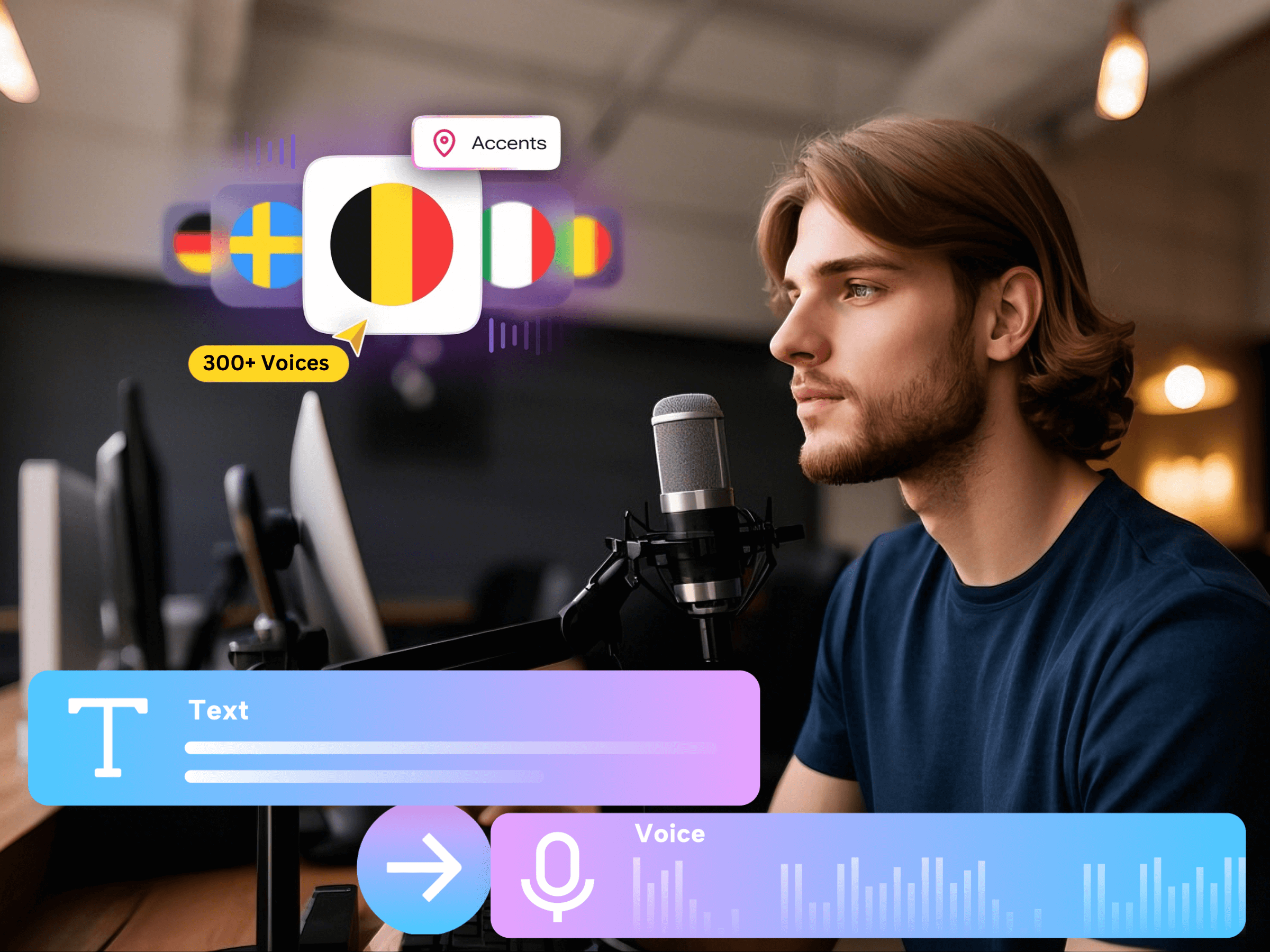
To fix a mispronounced word, isolate the phrase, confirm the intended pronunciation, and compare small changes while keeping the voice and delivery settings steady. Do not regenerate an entire finished video each time one name sounds wrong. A short test makes it easier to identify which change helped.
The examples below are original test exercises, not recordings or verified pronunciations of particular people. Names can have several valid pronunciations. The person or organization concerned should supply the preferred form where that matters.
Make a pronunciation checklist from the approved script
Before generating the full narration, highlight items a listener could misunderstand: personal names, company names, abbreviations, years, product codes, quantities, and addresses. Write the intended meaning beside each item. A number read clearly in the wrong grouping is still incorrect for the job.
- Name: confirm the owner’s preferred pronunciation instead of choosing the version you recognize.
- Acronym: decide whether listeners should hear separate letters or a spoken word.
- Number: specify whether it is a quantity, date, decimal, identifier, or phone number.
- Brand or technical term: ask the content owner to approve an example pronunciation.
Keep the original written form as the reference. The text used to encourage a speech engine toward a pronunciation may need different spelling, but that is not permission to rename a person, change a product code, or alter the figures on screen.
Create a phrase-sized control test
Open Voice AI in the Canva design and generate a short sentence containing the problem item. Start with the normal approved spelling. Include enough surrounding words to make the meaning clear; testing a name alone can produce a different result from testing it inside the actual sentence.
Keep a simple record with the original input, selected voice, available delivery settings, and your observation. “The last digit is missing” is more useful than “sounds bad.” Keep those settings unchanged while testing the text, so you can attribute an improvement to the change being examined.
For a fictional check, begin with “Ask Ari to review the API report for 2026.” Before changing anything, decide how Ari should be pronounced, whether API is spoken as letters, and how the year should be read for the intended audience. The sentence is a test pattern, not a pronunciation answer.
Change one text feature per comparison
Make a second version that changes only the uncertain item. Test ordinary wording or a readable spelling approximation when appropriate, then listen to the complete phrase again. A spelling variation is a trial, not a feature guarantee; the same input may behave differently with another voice.
- Acronym trial: compare “API” with “A P I” if the intended reading is separate letters. Confirm the output actually separates them.
- Year trial: compare “2026” with “twenty twenty-six” or “two thousand twenty-six,” according to the approved style.
- Quantity trial: compare a symbol-heavy amount with its approved spoken wording, preserving the exact value and unit.
- Name trial: test an owner-approved spelling approximation in the same sentence; do not infer a preferred pronunciation from nationality.
Label the candidates A and B and record what changed. If neither is acceptable, do not keep altering text at random. Recheck the intended reading, try a different available voice using the same phrase, or obtain a suitable approved human recording for the passage.
Separate speech input from visible spelling
Maintain two clearly labeled fields in your working notes: the text the audience should see, and the input that produced the accepted spoken form. This is especially useful when a name needs an experimental spelling in the speech input. Keep the actual name correct in the title, on-screen text, captions, and any transcript you distribute.
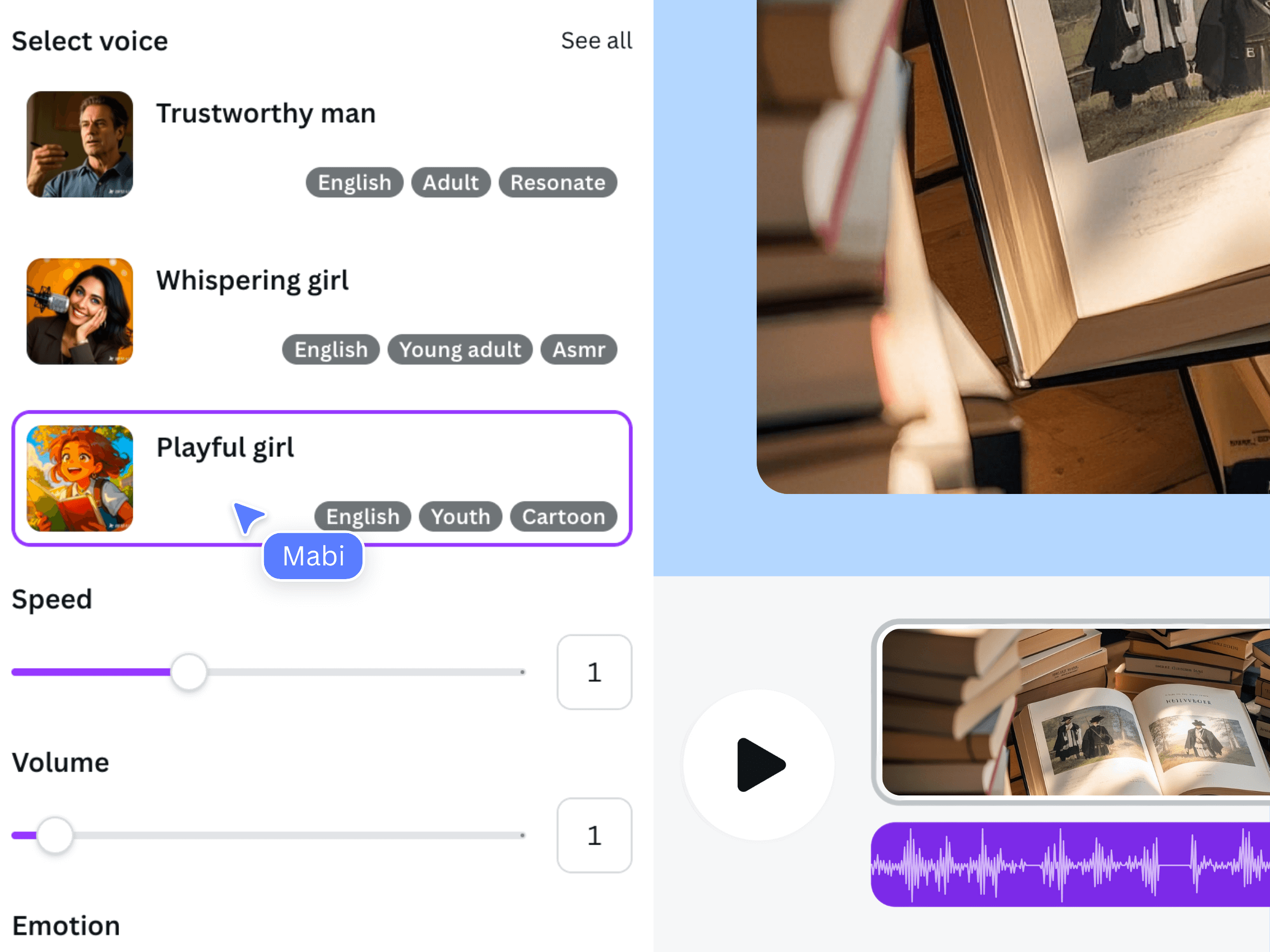
This is an earlier official Voice AI promotional interface, not a screenshot of the pronunciation exercises. The listing supports text-to-voice narration and delivery controls; it does not establish a pronunciation dictionary or phoneme editor. Use the fields actually available in your session.
Do not paste production notes such as “pronounce this as…” into the narration unless you want those words spoken. Likewise, do not assume SSML, IPA notation, or a hidden command will be interpreted as instructions. Use ordinary text tests unless the product explicitly documents another input format.
Approve the changed phrase in context
After choosing a candidate, put the accepted wording back into its full sentence or section. Listen for surrounding words, not only the repaired item. A punctuation change can improve one boundary while creating an awkward stop elsewhere, and a different voice can change the delivery of the whole passage.
Ask the content owner to check sensitive names and essential numbers with the script visible. Then listen without reading. The first pass checks accuracy; the second checks whether a viewer can understand the phrase without help. Save the accepted input and settings rather than relying on memory.
Replace the accepted passage and verify the final file
Keep the previous clip until you have reviewed its replacement in the design. Add the accepted narration, arrange it at the intended point on Canva’s timeline, and check its neighboring words and visuals. Do not assume a newly generated passage automatically replaces the old one or keeps its duration.
Preview across the join and make sure the rejected version is not also audible. Review captions separately: they should display the correct written form, even when a different speech input produced the desired reading. Finally, listen to the exported video, because approval should apply to the delivered file rather than only the app preview.
- Meaning and pronunciation approved by the appropriate owner.
- Accepted input and delivery settings recorded.
- Old and new clips are not playing together.
- Visible names, codes, quantities, and captions remain correct.
Frequently asked questions
Does Voice AI include a custom pronunciation dictionary?
The official listing used for this guide does not establish that capability. This workflow uses short ordinary-text tests and manual review. Do not assume a dictionary, phoneme field, or SSML control exists unless it is explicitly documented in the version you are using.
Will adding spaces always make an acronym read as letters?
No. Treat spacing as a candidate input and listen to the output. If the intended letter-by-letter reading is still unclear, try another wording or voice and obtain approval. A text edit is useful only when the resulting audio is correct for your context.
Can I keep a phonetic spelling in the captions?
Keep captions and visible text accurate for readers. An experimental speech spelling is an internal production aid, not necessarily the correct written name. Check any caption text against the approved script instead of accepting an automatic transcript without review.
Should I regenerate the whole video to fix one word?
Start with the smallest complete phrase that preserves natural context. After accepting it, review the replacement with the adjacent material. A larger section may need regeneration if the repair cannot join cleanly, but test the uncertain word before repeating the full passage.