
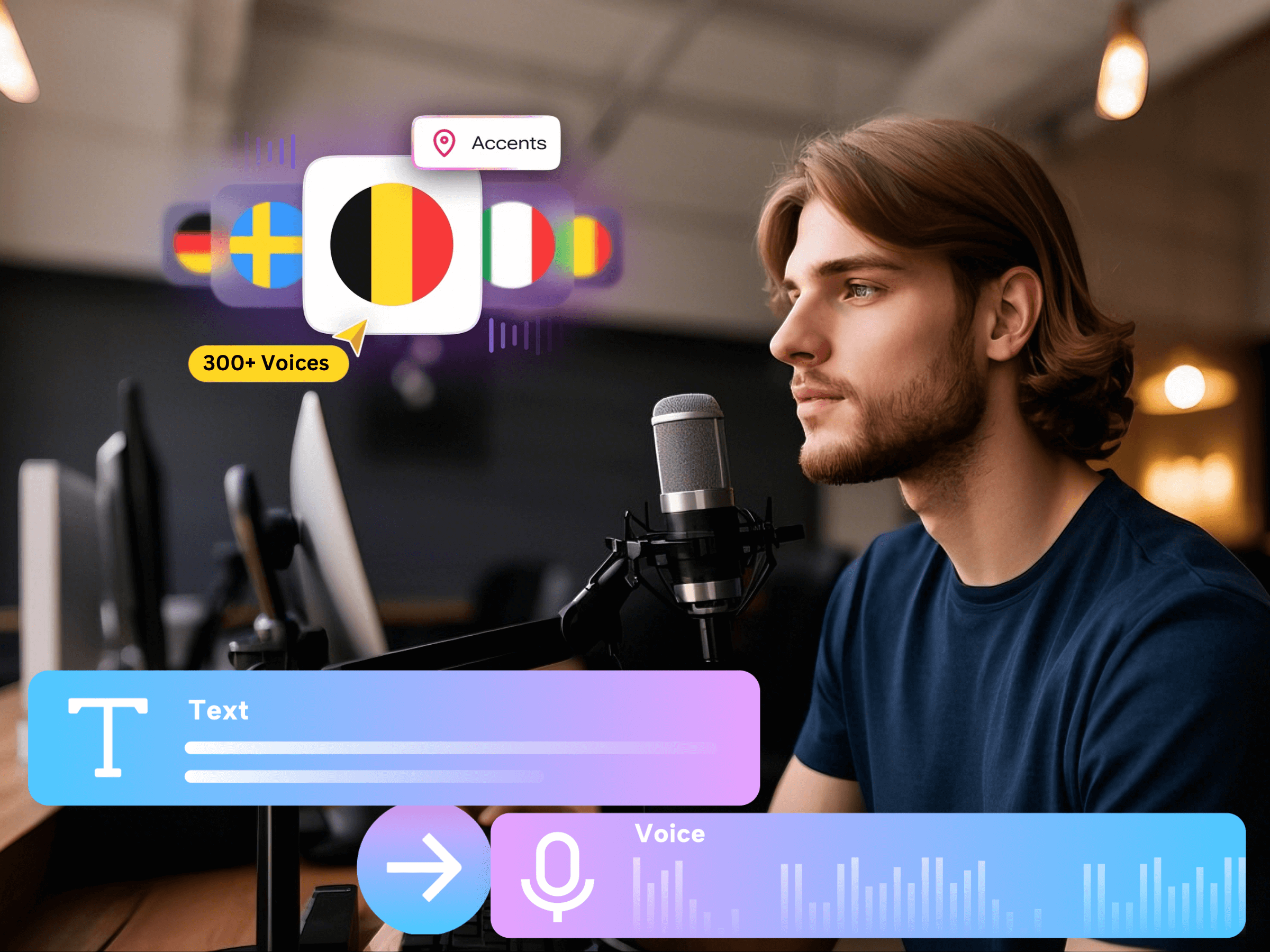
Write the voiceover around what the viewer needs to understand and do. Start with a visual outline, draft one spoken idea for each scene, then test the words aloud before generating the full narration. A paragraph that reads well on a website can still feel dense when heard once over a moving video.
This guide focuses on writing and editing the script rather than choosing a voice or adjusting playback speed. The desk-reset example is original sample material, not a customer result or a tested timing benchmark.
Define one viewer action before drafting
Complete a small brief: who is watching, what they already know, what the video should help them do, and which facts must remain exact. If the proposed ending asks viewers to learn a process, book a call, and download a file, choose the action that matters for this particular video. The script needs a clear destination before it needs an opening line.
For the sample desk-reset guide, the audience is someone returning to a cluttered workspace. The intended action is to sort everyday tools into an easy-to-reach group and put occasional items elsewhere. The video is not trying to sell furniture or prove a productivity improvement. That boundary helps the writer remove attractive but irrelevant claims.
- Audience: a viewer who wants one manageable desk-reset task.
- Outcome: keep frequently used tools accessible and clear the working area.
- Required facts: the actual items and storage locations shown in the creator’s footage.
- Final action: choose one small area to reset, rather than reorganize the entire room.
Build a visual outline before writing sentences
List the scenes in viewing order and describe the job of each one. Write what is visible separately from what must be explained. If the image already shows a hand moving a notebook, the narration can explain why that notebook stays nearby instead of repeating every visible movement.
- Opening: show the crowded desk and identify the small area being changed.
- Decision: separate tools used every day from items used occasionally.
- Action: return the everyday group to a reachable position.
- Ending: show the cleared space and ask the viewer to choose a starting area.
Use temporary scene labels in the working document, but keep those production notes out of the text submitted for speech generation. Notes such as “close-up here” are instructions to the editor, not words for the narrator. Check that each scene has enough visual material to support the proposed explanation.
Rewrite written copy for a listener
A spoken script needs understandable references, direct verbs, and a sentence structure a listener can follow without rereading. Read the draft at the pace you would use to explain the task to one person. Mark the point where a sentence becomes difficult to finish or its main idea arrives too late.
Before, in this original editing exercise: “By implementing a comprehensive workspace organization process, users can facilitate the identification and subsequent relocation of items according to their frequency of utilization.” The sentence hides its action inside abstract nouns and adds a benefit the footage does not establish.
After: “Clear a small space on your desk. Keep the tools you use every day within reach. Move the items you rarely use to another spot.” The revision names visible actions and replaces the vague claim with instructions the video can actually show.
Read the revised lines against the scenes. “Another spot” is acceptable only when the video makes the destination clear; otherwise name the shelf or drawer actually shown. Simpler wording should preserve meaning, not remove a detail the viewer needs to complete the task.
Fit the message before changing delivery speed
Treat the intended video length as a production constraint, not a promise that a particular word count will fit. Different voices, phrasing choices, and pauses can change the duration. Generate a short representative section and use its actual playback to judge whether the script is realistic for the available scenes.
When the draft runs long, first remove repeated ideas. A line such as “Now you can see that the desk is finally clear” may add little after the viewer has already seen the result. Keep the instruction, the reason needed to understand it, and the next action. Save optional background information for another video or written description.
If cutting would remove a necessary step, allow more time for that scene or narrow the scope of the video. Speed adjustments can refine a workable script, but they cannot make a dense explanation easy to follow by themselves.
Test the spoken draft with Voice AI
Open your Canva design and the Voice AI app by imagination-soft. Enter a short, approved section of narration, choose an available voice, and listen to the result before adding a longer passage. The official app listing describes text-to-voice narration with speed and emotion controls; the settings available to you should guide the test.
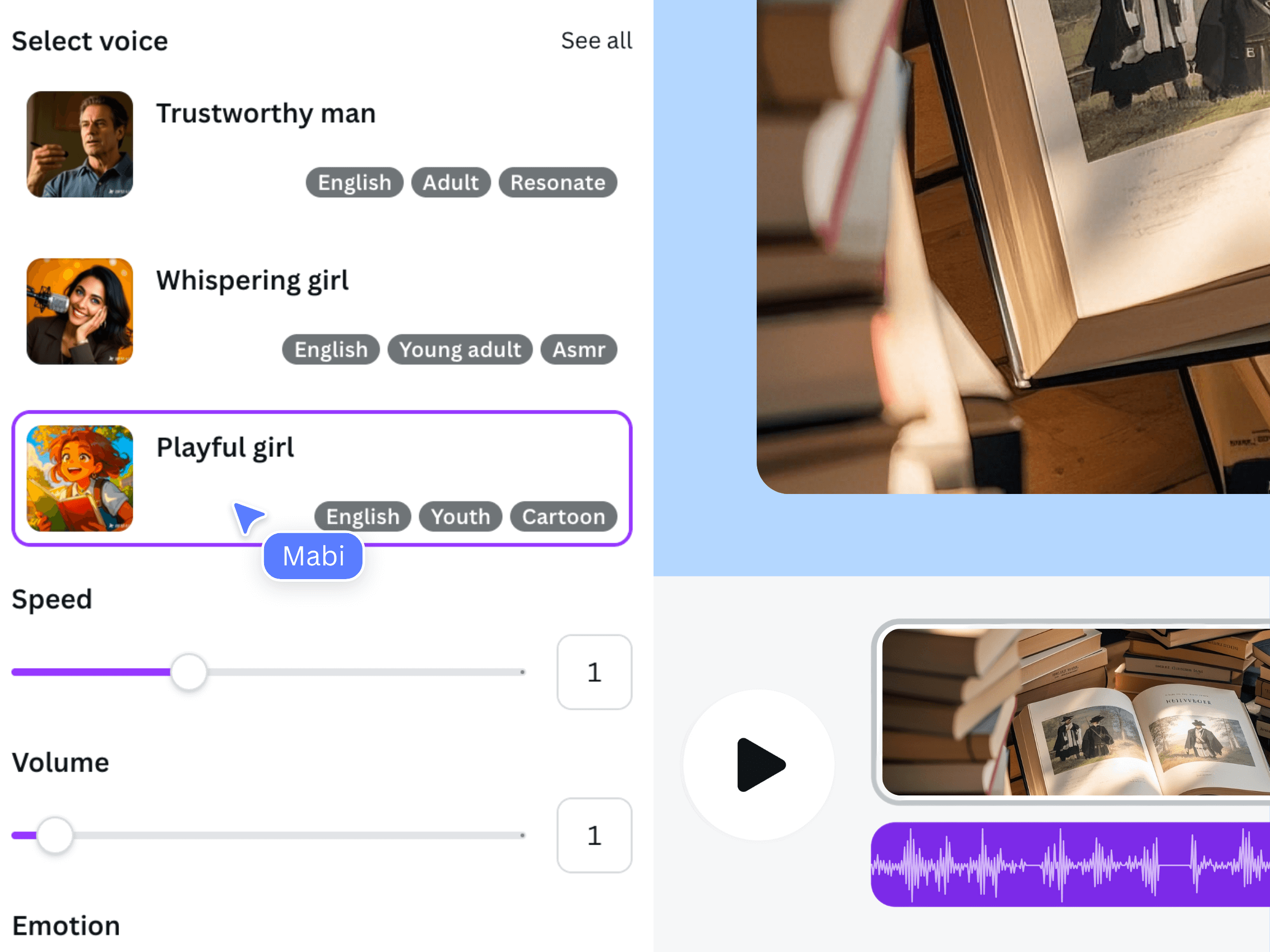
The image above is earlier official Voice AI promotional material. It illustrates the product’s general narration workflow, not the desk-reset exercise or a guarantee of the current interface. Use the controls actually present in your app session.
Listen once without reading the script. Can you identify the task and follow the instructions? Then listen while watching the design. Revise a confusing phrase before spending time arranging the full audio. The official demonstration below provides general workflow context rather than a recording of this sample script.
Keep an approved script beside the accepted clips
Give the working script a revision label and keep a record of the voice and delivery choices used for the accepted narration. Mark which scene each paragraph belongs to. This makes a later wording change easier to locate and reduces the chance of combining an older sentence with a newer visual instruction.
- Confirm that names, quantities, dates, and claims match the creator’s approved information.
- Check that narration adds useful explanation instead of reading every on-screen label.
- Remove editor notes and unresolved alternatives from the speech input.
- Review the finished video with sound, including its opening and final sentence.
A final script is the text represented by the accepted audio, not merely the latest document on your computer. If the audio changes during editing, update the script record and any captions that depend on it.
Frequently asked questions
Should I write the script or build the Canva design first?
Start with a rough visual outline and the viewer’s task, then develop the script and scenes together. You do not need a polished design before drafting, but you do need to know what the video can show. Avoid writing narration for evidence or actions you do not have.
How many words fit in a short video?
There is no single count that fits every voice and explanation. Use a short generated sample and its actual playback duration, then revise against the intended scenes. A word budget is a planning estimate, not a substitute for listening to the narration in the video.
Should the narration match every word on screen?
It should preserve the same meaning and essential facts, but the wording can differ. Keep labels concise while narration explains an action or decision. Names, numbers, and other details that must match should be checked deliberately, especially when captions are added.
Can Voice AI decide which parts of my script to cut?
This workflow treats Voice AI as the narration generator. The creator remains responsible for scope, accuracy, and editing decisions. Make cuts in the approved script, test the changed passage, and review the resulting audio before accepting it.